
Appearance
I.goTo()
Navigates the browser to the specified URL
Usage
js
I.goTo(url: string)
I.goTo(url: string, {newTab: boolean})
Parameters
| Parameter | Type | Description |
|---|---|---|
url | string | The URL to navigate to |
newTab | boolean | If set to true, opens the URL in a new browser tab |
Examples
Navigate in the current tab
js
I.goTo("https://google.com")Navigate using a relative path
You can use I.goTo() with a relative path.
js
I.goTo("/cart")When a relative path is used, UI-licious resolves it against the current base URL of the browser. For example, if the browser is currently on https://example.com, the command above will navigate to https://example.com/cart.
Set query parameters
You can also use I.goTo() to update the query string of the current URL.
js
I.goTo("https://acmebookstore.com")
I.goTo("?search='alice in wonderland'")
This navigates the browser to https://acmebookstore.com/?search='alice in wonderland'
Set the URL hash
You can also use I.goTo() to update the URL hash.
js
I.goTo("https://acmebookstore.com/books/mystery")
I.goTo("#popular")
This navigates the browser to https://acmebookstore.com/books/mystery#popular
Opening a new tab
Set the newTab option to true to open the URL in a new browser tab.
js
I.goTo("https://google.com", { newTab: true })Basic HTTP Authentication
If the website that you are trying to access is protected with Basic HTTP Authentication, the browser will show a dialog to prompt you for the username and password. UI-licious cannot directly interact with the native browser authentication dialogs.
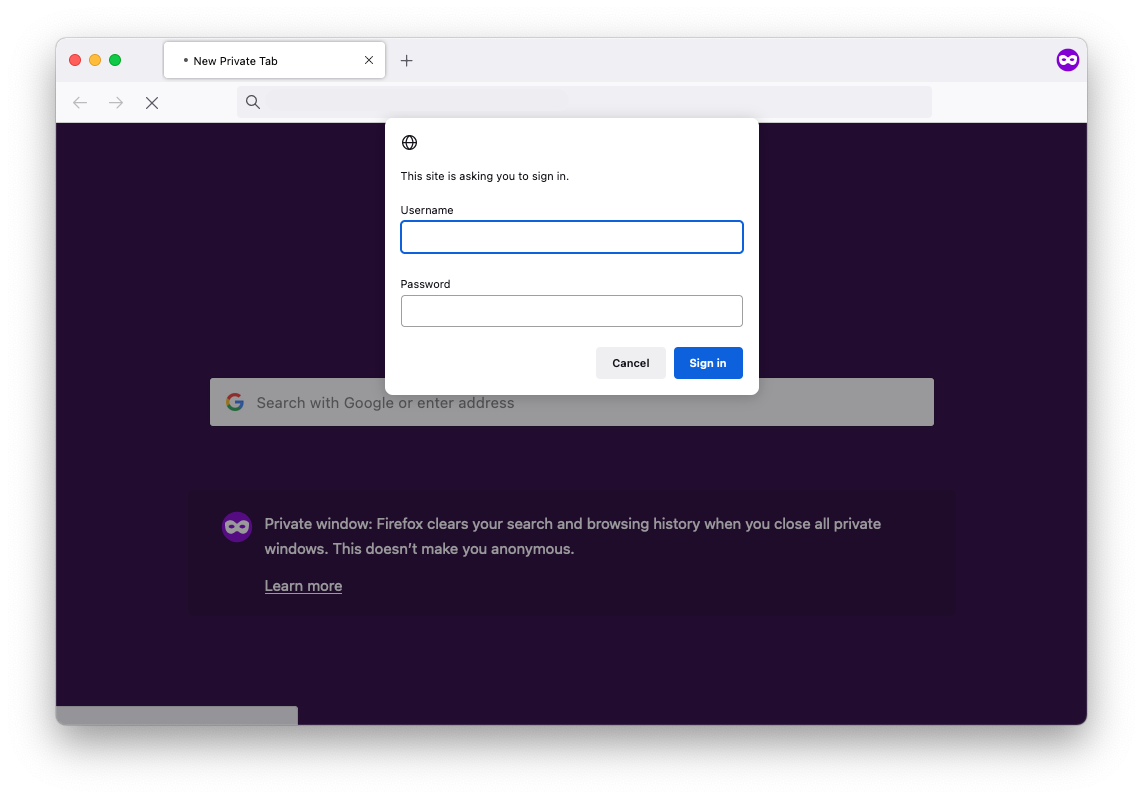
To access the site, include the credentials in the URL:
js
let username = "bruce"
let password = "SuperSecretP@ssw0rd!"
let url = "https://" + username + ":" + password + "@test.waynecorp.com"
I.goTo(url)
TIP
We highly recommend using Datasets to load sensitive data such as passwords into your tests.
Automatic waiting behavior
Whenever a page navigation is triggered by any means (including page navigations triggered by clicks or form submissions), UI-licious will automatically wait for the page to finish loading before proceeding with the next command.
This ensures that the styles, images, fonts, and javascript code needed for the page to be interactive are properly loaded to avoid flaky unstable tests caused by slow responses from the server or the network.
UI-licious will wait for up to 5 minutes for all blocking assets to be loaded on the page. The time taken to complete I.goTo commands (and any command that triggers a page navigation) also includes the time taken to load the page.