
Appearance
What is TAMI Studio?
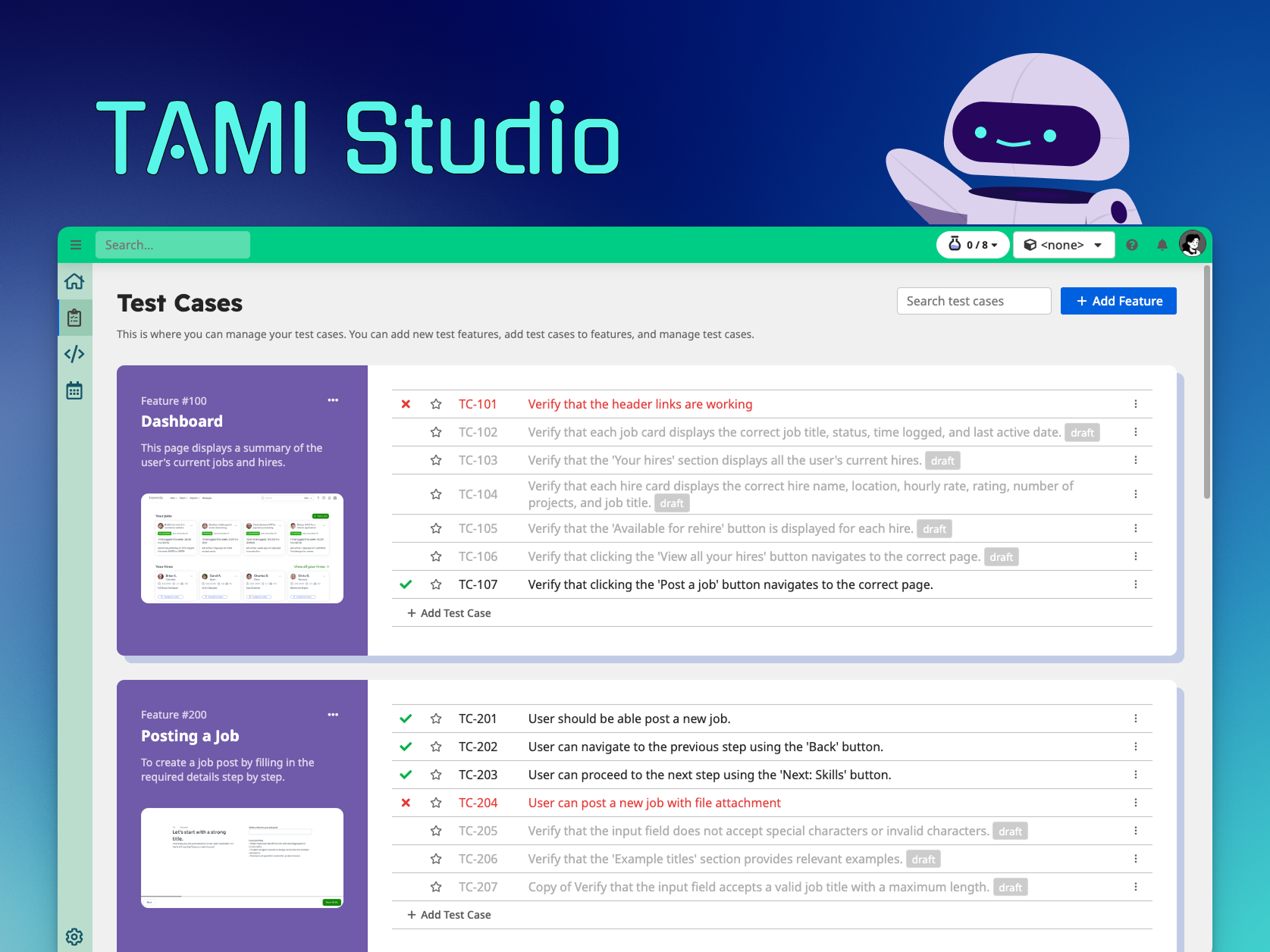
TAMI Studio is an AI-powered platform for planning, managing, and automating UI tests — designed to make testing faster, smarter, and more accessible, even for teams without deep coding expertise.
Whether you’re just starting out or scaling automated coverage across a complex application, TAMI Studio helps you:
- Organize and manage test cases by feature
- Write reliable end-to-end automated test scripts
- Execute cross-browser tests at scale
- Schedule test execution and receive timely alerts
- Speed up testing with help from an intelligent AI assistant
Key Features
🧪 Test Case Management
Document test cases clearly, organise them by feature, and collaborate across your team — all in one place.
⚙️ Browser Test Automation
Write and run UI tests that simulate real user behavior, using a simple scripting language.
🗓️ Scheduled Test Runs & Notifications
Run tests on a schedule or trigger them via CI/CD. Get notified when tests fail so you can take action quickly.
🤖 AI-Assisted Test Authoring
TAMI helps you define test cases, generate test steps from screenshots, write test scripts and bug reports — drastically reducing manual effort.
What is TAMI?
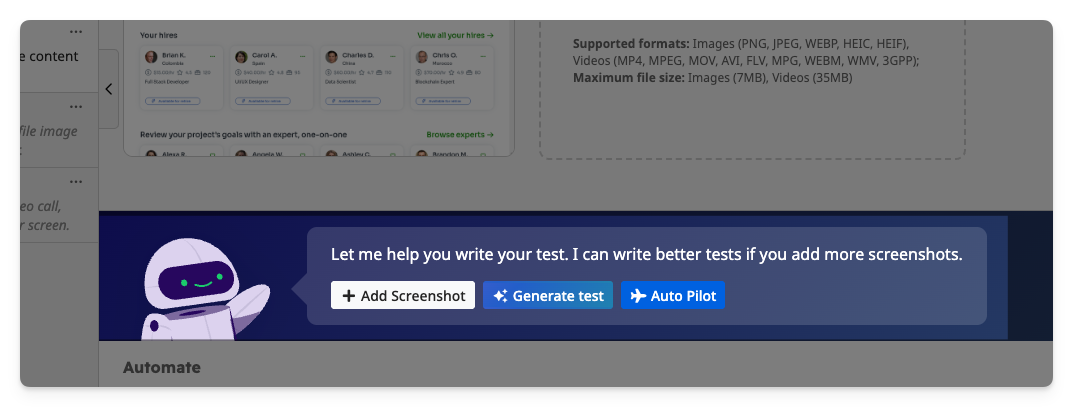
TAMI stands for Test Automation Machine Intelligence. It’s your built-in AI assistant that helps accelerate every part of the testing process.
With TAMI, you can:
- Generate test cases and steps from screenshots and screen recordings
- Convert test steps into executable test scripts
- Diagnose test failures and fix broken tests
- Create bug reports from failed test reports
TAMI is like a teammate — fast, helpful, and always learning how your app works.
How is TAMI Studio different from Classic Studio?
TAMI Studio is the next generation of the Classic Studio — built to go beyond just writing test scripts. It offers all the capabilities of Classic Studio, and adds a more intelligent, collaborative, and scalable approach to UI testing.
What’s new in TAMI Studio?
AI-first test creation
Generate tests using screenshots, recordings, and natural language — powered by TAMI.Test case–centric workflow
Plan and manage your tests around features and test cases, not just folders of scripts.Visual-first test design
Upload screenshots and screen recordings to drive better test suggestions and understanding.Collaboration built-in
QA, PMs, and developers can work together with clear test documentation and history.
If you’re used to Classic Studio, don’t worry — TAMI Studio still includes the familiar Test Scripts tab, so you can view and edit raw scripts when needed.
Feature Comparison
| Feature | Classic Studio | TAMI Studio |
|---|---|---|
| Best for | Developers and technical testers | QA, PMs, and developers |
| Test Organization | Script-based (folders & files) | Test case–based (by feature) |
| AI Capabilities | Basic text prompt assistance | Advanced AI using screenshots, recordings & natural language |
| Test Case Management | ❌ | ✅ |
| Preconditions for Tests | ❌ | ✅ |
| Test Script Editor | ✅ | ✅ |
| Cross-Browser Testing | ✅ | ✅ |
| Scheduling & Notifications | ✅ | ✅ |
| Project-Level Datasets | ✅ | ✅ |
| Test Case-Level Datasets | ❌ | ✅ |
| Environment Management | ❌ | ✅ |
Ready to try it out?
➡️ Get started with your first test