
Appearance
View Test Run History
TAMI Studio keeps a history of all test executions so you can easily review past runs, debug issues, and monitor changes over time.
1. Open the Test Case Editor
Start by selecting a test case to open it in the Test Case Editor.
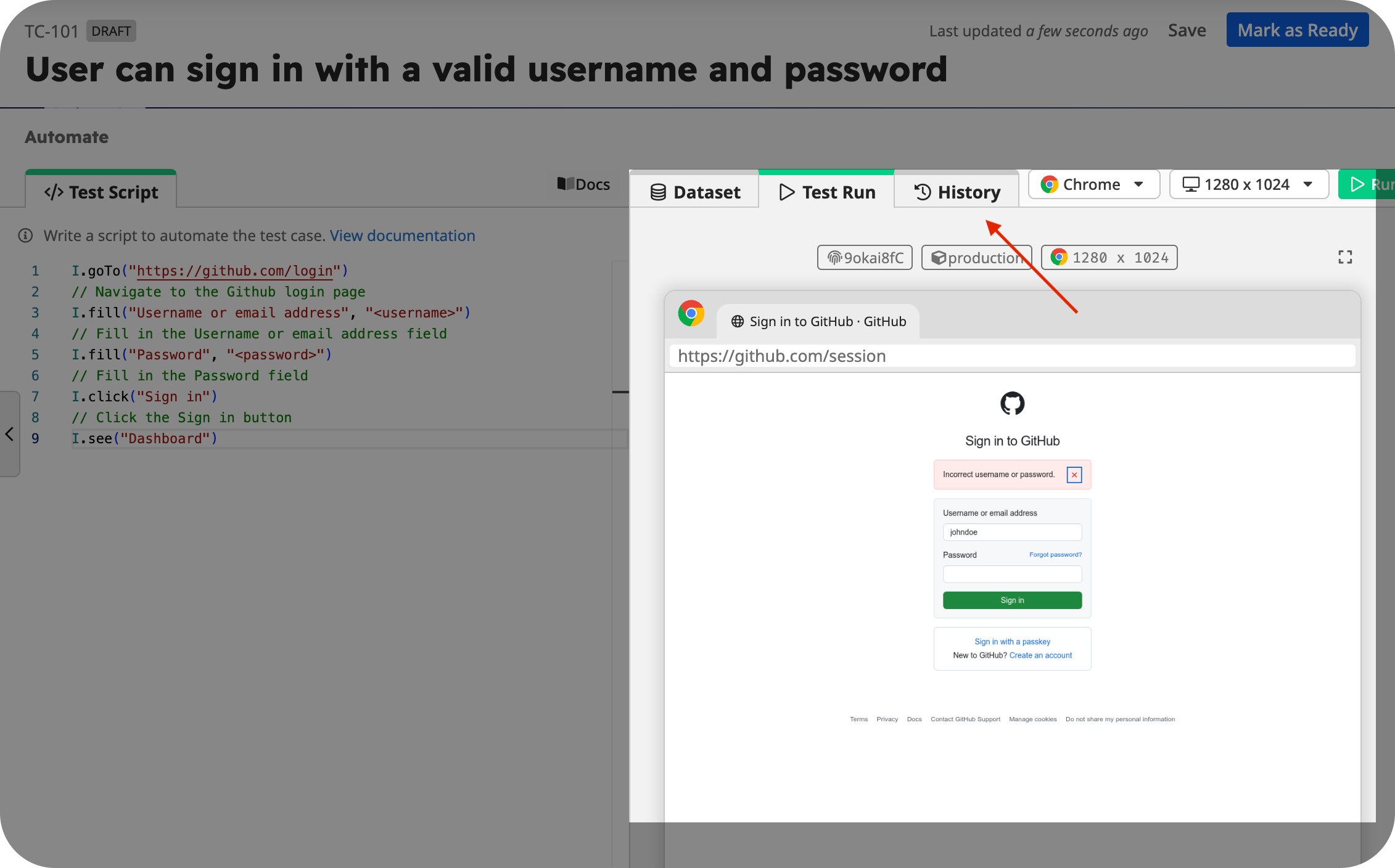
2. Go to the History Tab
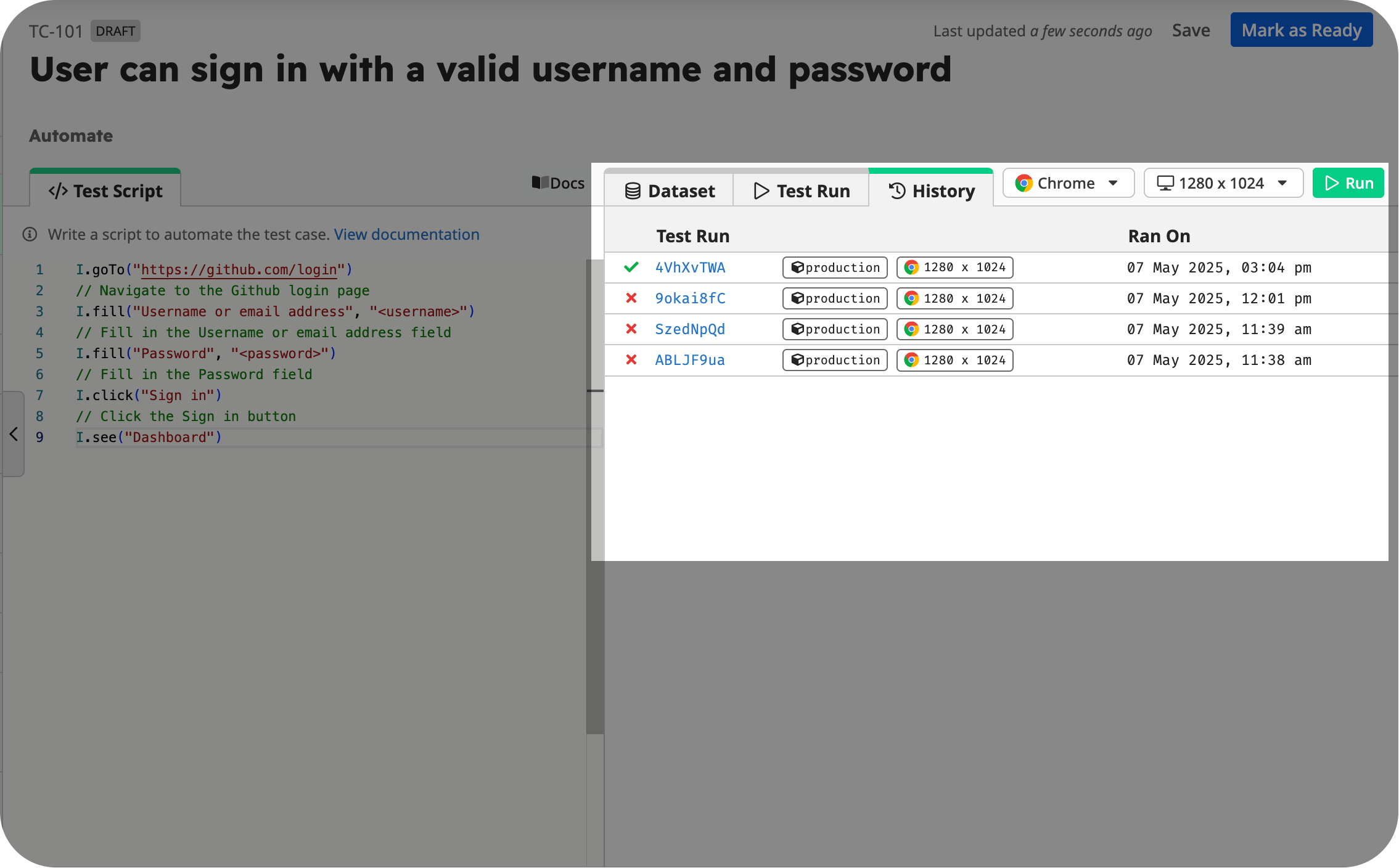
Scroll down to the Automate section and click on the History tab. This tab displays a chronological list of recent test runs for the selected test case.
3. View a Test Run Report
Click on any test run in the list to open its detailed Test Report.
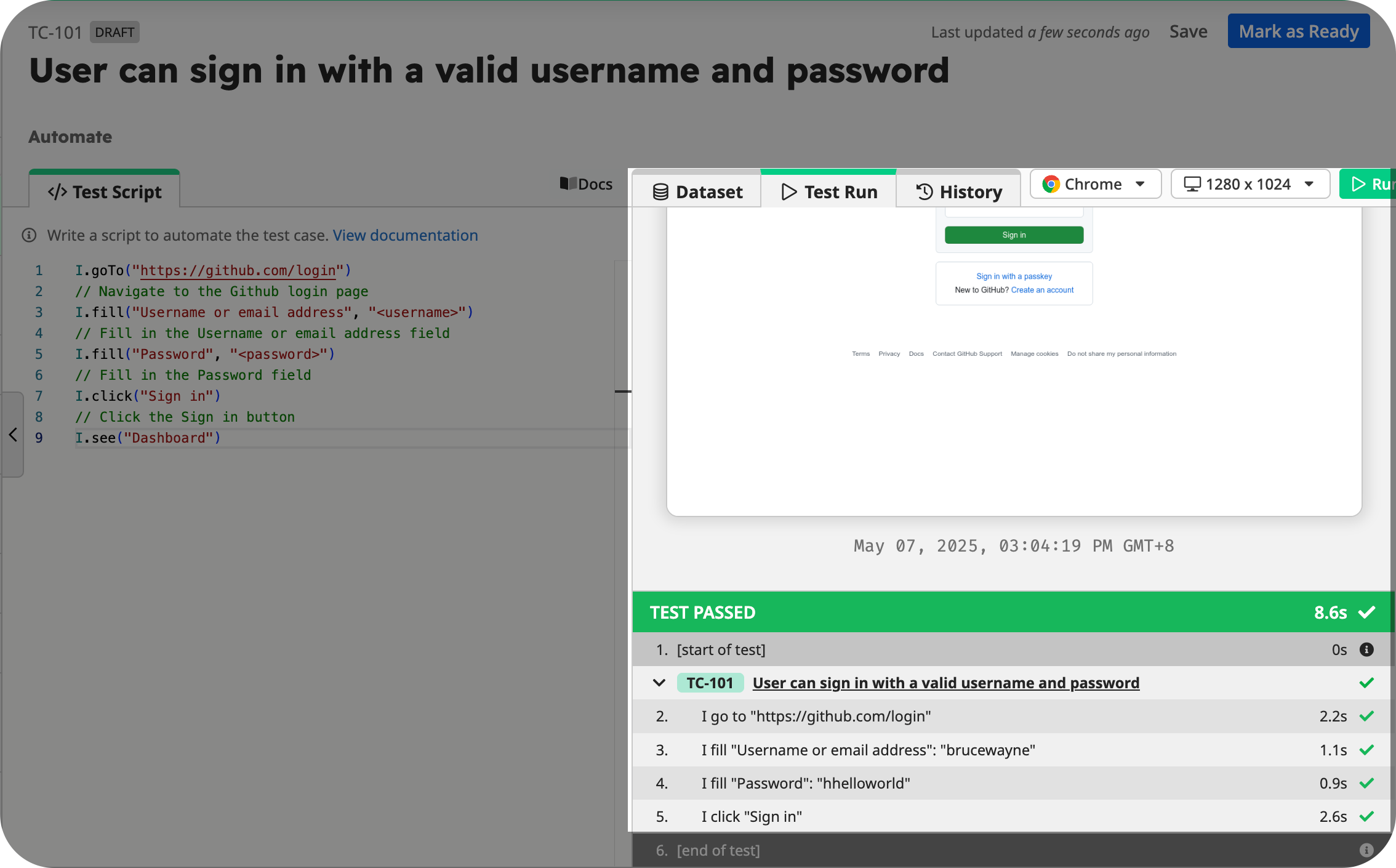
The Test Report provides step-by-step information on how the test was executed, including:
- Execution time and status
- Input data used
- Screenshots for each test step
- Any errors or failed assertions
Use the report to verify expected behavior, troubleshoot failures, or compare test runs over time.