
Appearance
Fix Broken Tests
Debugging failed tests can be tedious — especially with complex or unfamiliar scripts. TAMI speeds up this process by identifying the cause and suggesting fixes
When a test fails, TAMI analyzes screenshots from the failing tests, to identify where the script may have missing or broken steps,
👉 Click Diagnose to let TAMI analyze the failed test.
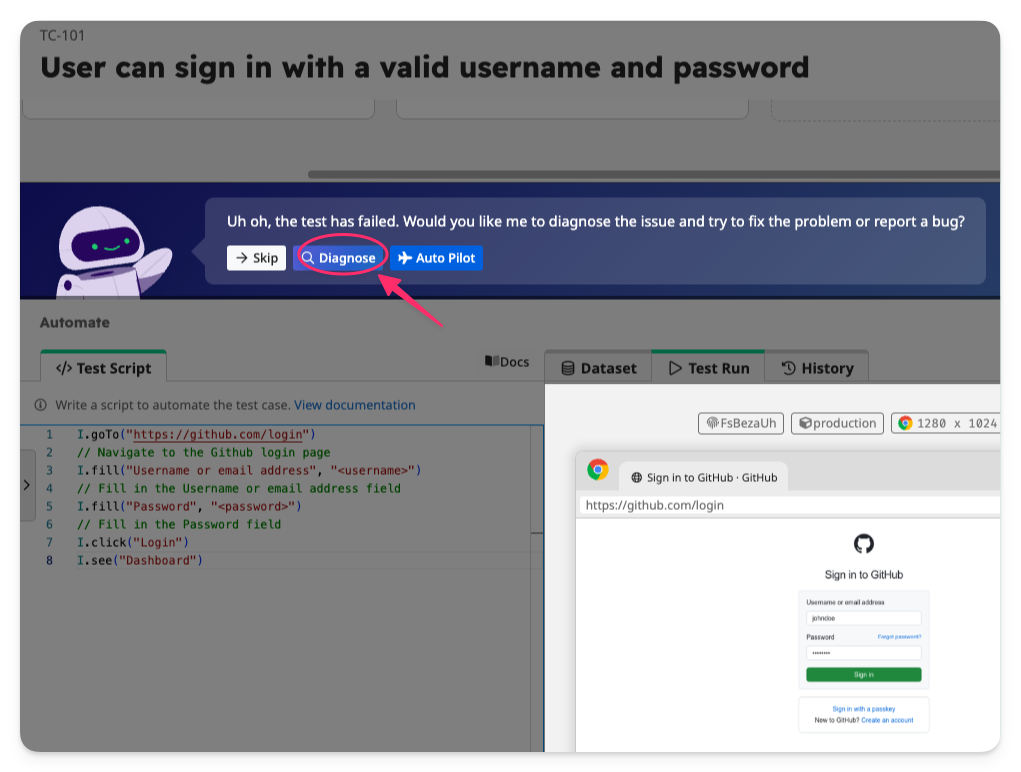
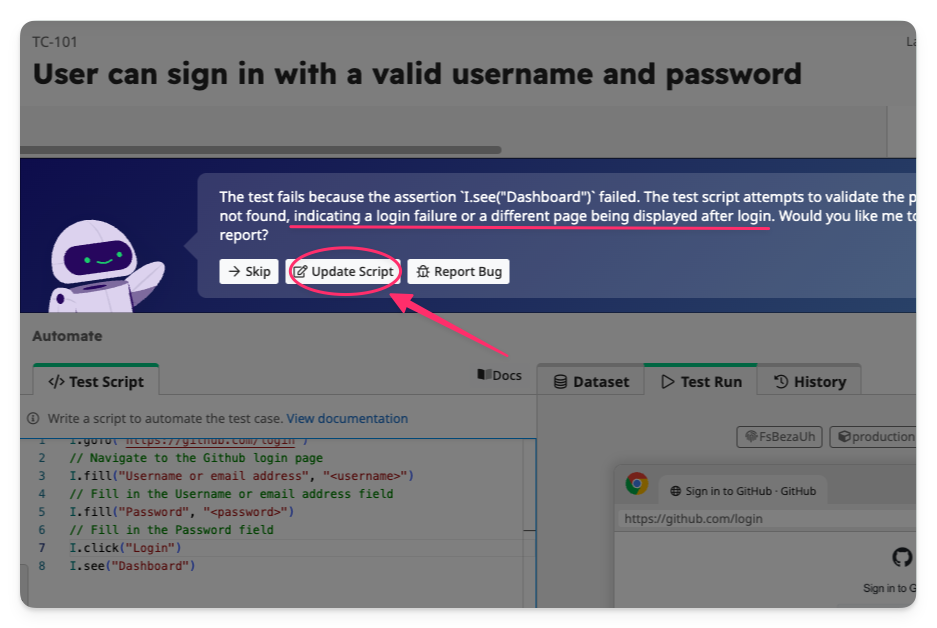
After the analysis, TAMI provides an explanation of the root cause. Based on this, it can either update the script to fix the issue or help you generate a bug report.
👉 Click Update Script to have TAMI fix missing or outdated steps in the script.
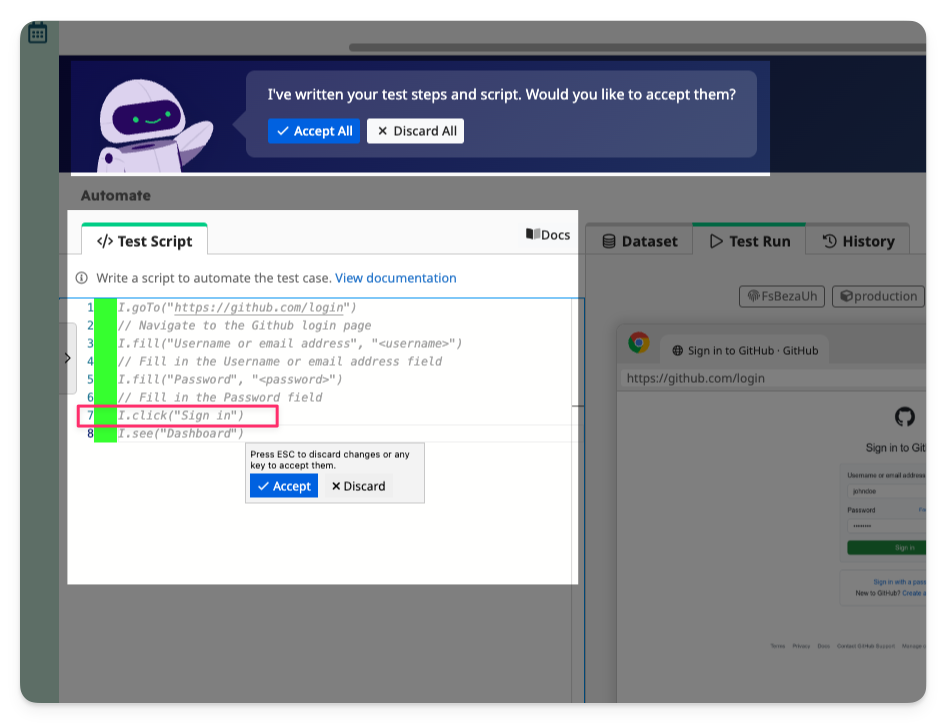
👉 Review the changes. You can accept or discard them. In this example, TAMI correctly updates line 7 of the script, changing the label from "Login" to "Sign in", so that the click command correctly targets the button to submit the login form.
👉 Re-run the test to make sure that the test is working as expected.