Appearance
Reporting Bugs with TAMI
When a test fails in TAMI Studio, you can use TAMI, your built-in AI assistant, to quickly diagnose the issue and generate a clear, professional bug report — ready to share with your team.
Why Use TAMI to Report Bugs?
- ✅ Saves time bu reducing manual effort
- 📸 Attaches evidence (screenshots, logs, video) automatically
- 🔍 Reduces miscommunication by clearly outlining expected vs actual behavior
- 🔗 Includes test replay links for better collaboration with devs
This makes it faster and easier to close the feedback loop between QA and development teams.
How to Generate Bug Reports with TAMI
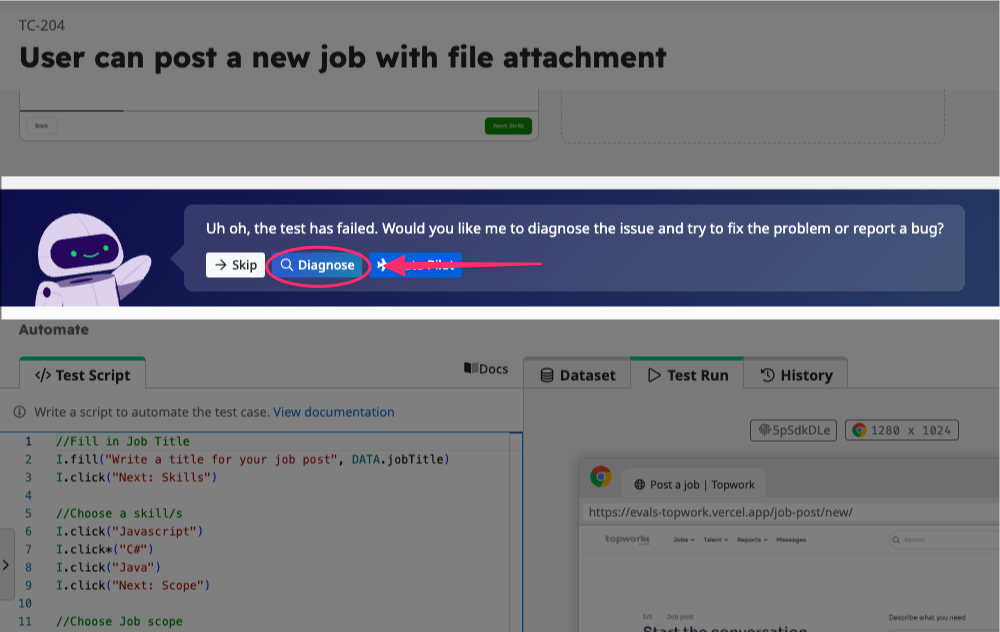
After a test run fails, TAMI will suggest helping you to diagnose the issue.
👉 Click "Diagnose". TAMI will analyze the test case, script, screenshots, and error messages to identify what went wrong.
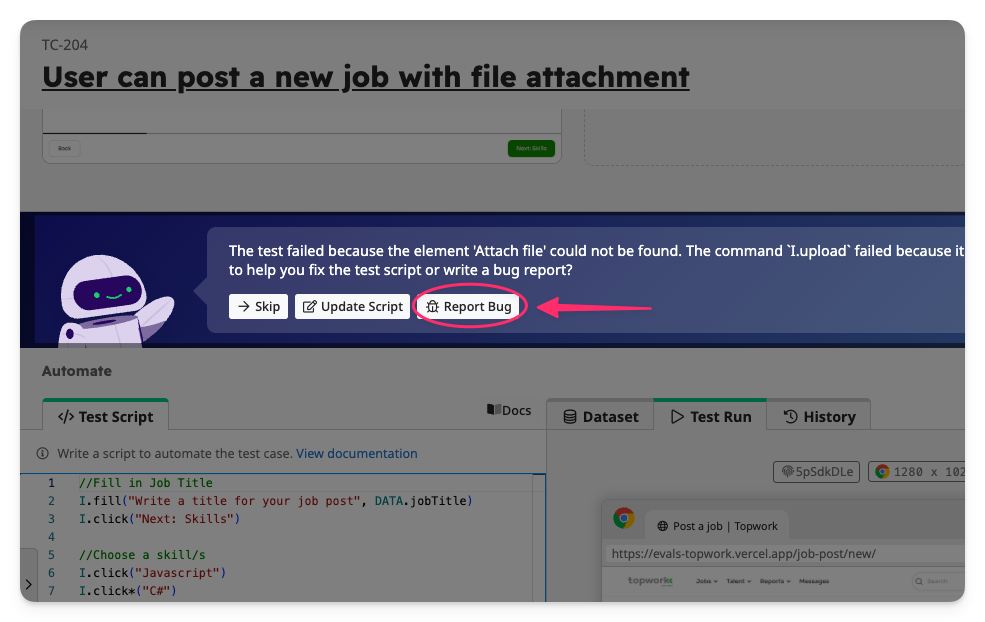
Once the analysis is complete, TAMI will provide an explanation for the test failure.
👉 click "Report Bug" to generate a bug report based on the findings.
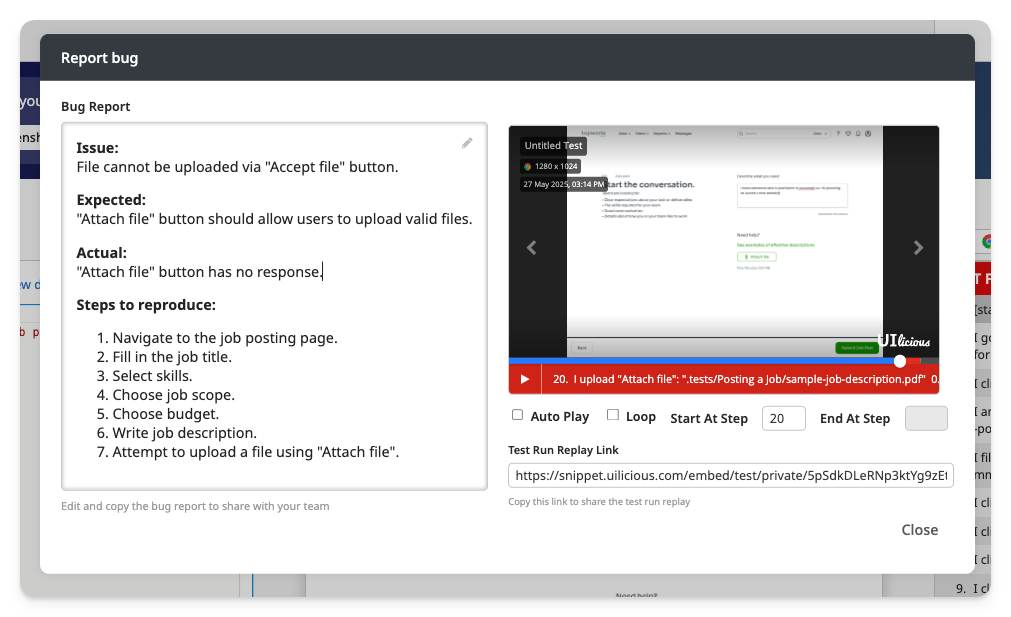
TAMI will draft a detailed bug report that includes:
- Issue Summary
- Expected vs Actual Behavior
- Steps to Reproduce
- Screenshots and Video Replay
- A Test Run Replay Link to help developer see what happen step by step.
This saves you time writing reports manually and ensures your developers gets a high-quality bug report with all the necessary context to quickly triage the issue.